Why Zapier Falls Short for eCommerce Operations (And What Sellers Use Instead)
Zapier moves data. eCommerce operations require financial logic, inventory accuracy, and error-proof automation that no-code platforms were never built to handle. Here is what breaks and what growing sellers use instead.
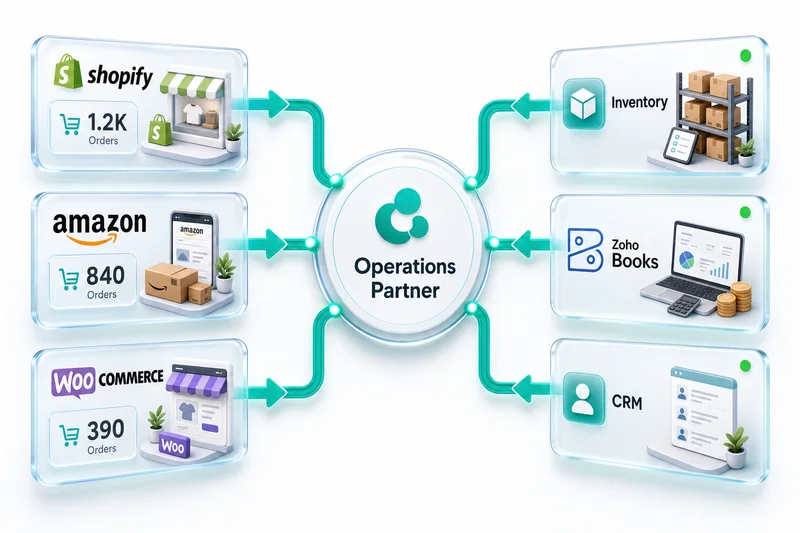
eCommerce operations depend on data moving correctly between storefronts like Shopify, Amazon, and WooCommerce and the back-office systems that track inventory, record revenue, and close the books. Zapier is the first tool most operators reach for when they need that connection. For simple notifications and CRM updates, it works fine. For the financial and inventory logic that actually runs an eCommerce business, it breaks in ways that stay invisible until month-end accounting makes the damage clear.
This is not a general criticism. Zapier was built to move data between apps. eCommerce operations require moving financial data correctly, which is a genuinely different job.
What Zapier was built to do
Zapier handles event-driven, two-step automations well. A new order arrives in Shopify, and Zapier fires a notification to Slack. A contact submits a form, and Zapier creates a record in Zoho CRM. A tag is applied to an order, and Zapier opens a support ticket in Zoho Desk. These are valid, useful automations, and Zapier handles them reliably.
The platform also works for eCommerce operations that stay outside financial data. If you want every new Shopify customer added to a Zoho Campaigns email list, Zapier can do that cleanly. If you want an internal alert when an Amazon order exceeds a certain value, Zapier handles that too.
The problems start when the automation needs to make decisions: not "did event X happen" but "what does this financial event mean, which account does it belong to, what other records need to update, and what happens if the connection breaks mid-sync."
Where Zapier breaks down for eCommerce
Financial data requires accounting logic, not just data movement
The distinction between "data moved" and "accounting entry created correctly" is where Zapier consistently fails for eCommerce sellers.
Consider a standard Amazon settlement. Every two weeks, Amazon deposits a lump sum that represents gross sales, minus referral fees, minus FBA fees, minus advertising charges, minus storage fees, plus any reimbursements for lost inventory. That single deposit contains 15 or more distinct financial line items that each belong in a different account in Zoho Books.
Zapier can see a deposit land. It cannot parse a settlement report, map each fee type to the correct expense account, apply the right revenue recognition rules, or flag reimbursements as Other Income rather than Sales Revenue. Recording the net deposit as revenue is the accounting equivalent of booking the bank balance as profit - it looks fine until your CPA or the IRS asks what the gross sales figure on your 1099-K actually represents.
The same problem applies to Shopify. Shopify payouts combine sales from multiple days, minus payment processing fees, minus refunds issued during the period. A properly configured Zoho Books integration separates each component automatically. Zapier moves the payout amount. It does not separate it. For the full account mapping approach, the eCommerce chart of accounts setup in Zoho Books covers the structure that makes automated reconciliation accurate.
Multi-step financial workflows exceed Zapier's logic model
A correctly automated order-to-cash workflow on Shopify looks like this: order placed → inventory reserved → invoice created with correct tax rate based on customer location → payment received → COGS recorded against Zoho Inventory cost → bank deposit matched → reconciliation completed. Six steps, each dependent on the previous, each requiring conditional logic.
Zapier handles step one. It can create an invoice when an order is placed. Steps two through six require logic that Zapier's trigger-action model does not support: checking inventory availability before reserving, applying the correct tax jurisdiction, recording COGS at the right cost basis, and matching bank deposits to the invoices that generated them.
The full order-to-cash automation for Shopify sellers, and how it maps to Zoho Books and Zoho Inventory together, is covered in the Shopify order-to-cash guide. For operations that also need Zoho CRM feeding into the same pipeline, the Zoho CRM, Books, and Inventory integration guide covers the three-way data model and where custom logic is required.
Data volume breaks pricing and reliability
Zapier charges by task. Each action inside an automation counts as one task. A single Shopify order flowing into Zoho typically triggers 3 to 5 tasks: the trigger itself, the Zoho Books invoice creation, the inventory update, the CRM record check, and the status update back to Shopify.
At 200 orders per day, that is 1,000 tasks per day, 30,000 tasks per month. Zapier's Professional tier, which supports this volume, runs $200 to $600 per month depending on the plan. A custom Zoho integration handles the same volume with no per-task billing.
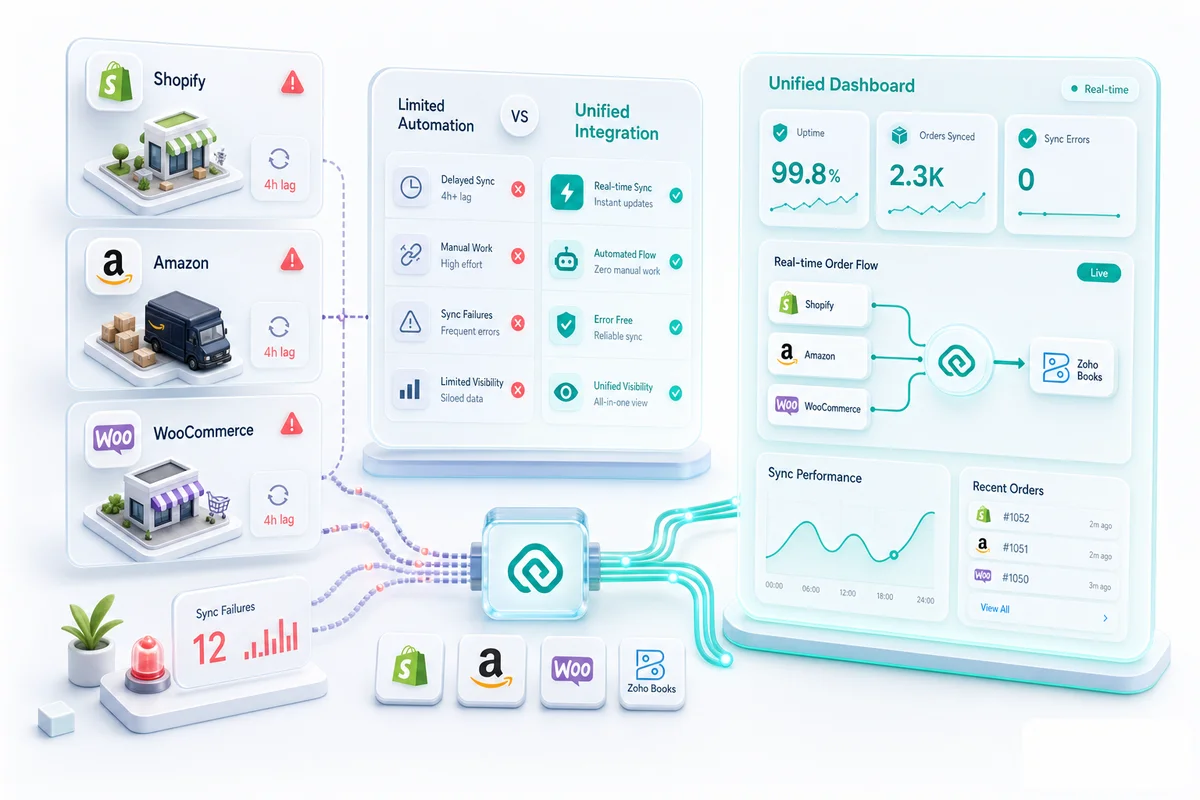
High volume also introduces a reliability problem. Zapier processes tasks in queues. Under heavy load, tasks can delay, fail silently, or retry without the sender knowing. For a Slack notification, a 15-minute delay is irrelevant. For an inventory update that needs to prevent an oversell on Amazon, a 15-minute delay between the order and the inventory deduction means the next customer may purchase a unit that no longer exists.
Error handling for financial data is not optional
When a Zapier workflow fails, it sends an email notification and marks the task as failed. The data that failed to sync stays unsynced until someone manually re-triggers it.
For financial data, that is not acceptable. A payment that fails to sync to Zoho Books means your receivables are wrong. An inventory update that silently fails means your stock counts are wrong. A COGS entry that does not record means your margins are wrong. These errors do not announce themselves at the point of failure; they surface at month-end, when the discrepancy between your records and reality requires hours of manual reconstruction.
Custom Zoho integrations built for financial data include retry logic with exponential backoff, error logging, human review queues for failed records, and alerting that distinguishes between a transient API error and a data integrity problem. Zapier's error handling is built for notifications. Financial integration requires a different standard.
Head-to-head: what each approach handles
| Capability | Zapier / Make.com | Custom Zoho Integration |
|---|---|---|
| Basic event triggers | Yes | Yes |
| Multi-step conditional logic | Limited | Full |
| Partial payment allocation | No | Yes |
| Multi-currency exchange rate logic | No | Yes |
| Settlement report parsing (Amazon, eBay) | No | Yes |
| COGS recording on sales | No | Yes |
| Inventory sync with FIFO/weighted average | No | Yes |
| API rate limit management | Basic | Full |
| Error handling with audit trail | Email notification only | Retry, queue, human review |
| Per-task pricing at scale | Yes (cost scales with volume) | No (fixed build cost) |
| Maintenance when APIs change | Internal team | Integration partner |
The total cost comparison
Zapier pricing at 5,000 tasks per month: $120 to $200 per month, or $1,440 to $2,400 per year. At 20,000 tasks per month, the cost reaches $400 to $600 per month, or $4,800 to $7,200 per year. This cost continues indefinitely and scales with order volume.
A custom Zoho integration from Zolify: $2,500 to $10,000 as a one-time build cost, reflecting the scope of the integration (single storefront vs. multi-channel vs. full operations stack). Optional monthly support runs $0 to $500. The integration does not have per-task pricing.
At 10,000 tasks per month, Zapier costs approximately $3,000 per year and still does not handle financial logic. The custom integration pays back on direct cost alone within 18 to 24 months - and from day one, it handles the edge cases that produce accounting errors in the Zapier approach.
When Zapier is the right choice
Zapier works well for four specific situations in eCommerce.
Zapier handles non-financial automations cleanly: sending a Slack message when an order is tagged as a priority customer, adding new buyers to an email nurture sequence in Zoho Campaigns, creating Zoho Desk tickets from customer order notes. No accounting implications, no inventory logic required. When these automations stay entirely within the Zoho ecosystem, Zoho Flow handles them more natively than Zapier - it has deeper access to Zoho's internal data structures and avoids the translation layer Zapier requires for intra-Zoho workflows.
Prototype testing is another good use. Before committing to a custom integration build, Zapier can validate that two systems can talk and that the basic data flow makes sense. Treat it as a disposable test bed, not a production system.
Low-volume single-channel sellers work fine with Zapier. Under 100 orders per month, single Shopify storefront, simple bookkeeping needs — Zapier's free or starter tier is a reasonable starting point and a manageable option at that scale.
Internal workflow triggers that have no accounting implications are also a solid fit: notifying a team member, updating a project status in Zoho Projects, creating a task in Zoho CRM when a large order arrives. These don't touch the financial record and don't require accounting logic.
If your automation touches Zoho Books, Zoho Inventory, or any financial data that feeds into your P&L, the gap between Zapier's capabilities and what eCommerce operations actually require becomes a problem that scales with your business.
What Zolify builds instead
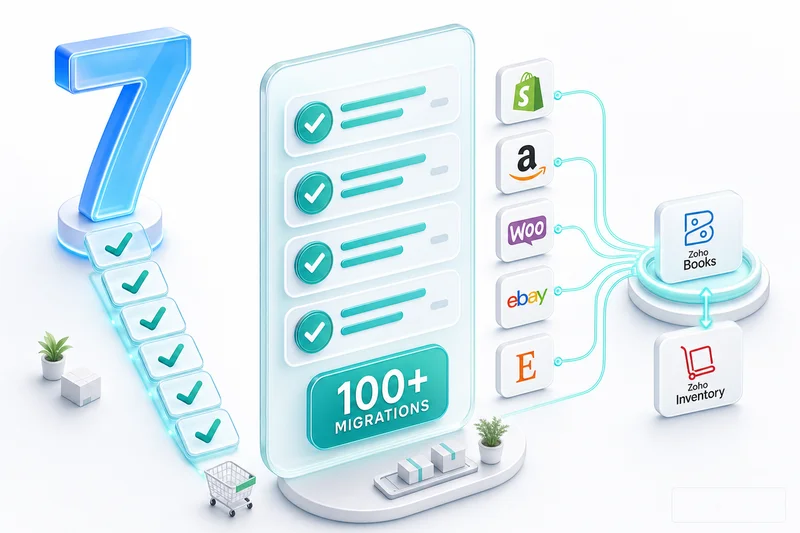
Across 100+ eCommerce implementations on Shopify, Amazon, and WooCommerce, the recurring pattern is the same: sellers start with Zapier or Make.com because the upfront cost is zero, discover the financial logic gaps within six months, and then pay to rebuild what should have been custom from the start.
The custom Zoho integrations Zolify builds handle what no-code platforms cannot: settlement report parsing with account-correct fee mapping, partial payment allocation across open invoices, COGS recording using the cost basis from Zoho Inventory, multi-currency transactions with exchange rate logic, and error handling designed for financial data integrity. Every integration is validated by the CA/CPA on the Zolify team before go-live, so the accounting entries are correct from day one rather than discovered wrong at month-end. The pattern of no-code tools producing compounding errors isn't limited to Zapier — the same gaps surface in generalist Zoho implementations. The analysis of why generalist Zoho agencies fail eCommerce clients covers the specific failure modes and what a specialist approach actually changes.
This is the difference between a data connector and a financial integration. For the full picture of what a properly built Shopify-to-Zoho integration covers, see the Shopify Zoho integration guide. For Amazon sellers specifically, the Amazon Zoho integration covers the settlement reconciliation architecture. Where the requirement goes beyond integration into fully custom workflow logic — returns approval routing, vendor portals, FBA exception dashboards — Zoho Creator handles those natively within the Zoho ecosystem without adding middleware.
The practical decision
Use Zapier for notifications, CRM updates, and low-volume event triggers that have no financial implications. For anything that touches your Zoho Books ledger, Zoho Inventory counts, or multi-channel order management, custom integration is the appropriate tool.
The test is practical: if a sync failure in this automation would produce wrong numbers in your books or wrong counts in your inventory, Zapier is not the right tool for the job.
Ready to replace a fragile no-code setup with integration built for eCommerce financials?
Get an eCommerce Ops Audit from Zolify. We assess your current setup, identify the automation gaps costing you accuracy and time, and propose a Zoho integration architecture designed for your specific channels. As an Official Zoho Authorized Partner with 100+ eCommerce implementations delivered, we have already encountered every edge case in this space and built the fixes into our standard implementation approach.
Get an eCommerce Ops Audit or explore eCommerce operations services.
Frequently Asked Questions
Zapier can create a basic connection that pushes Shopify order data into Zoho Books. It creates invoices when orders are placed. What it cannot do is handle the full order-to-cash flow correctly: partial payments, multi-line-item COGS recording, sales tax mapping by jurisdiction, credit note creation for returns, or bank reconciliation matching. For sellers processing fewer than 100 orders per month with simple single-channel operations, Zapier is a functional starting point. For growing multi-channel sellers, the gaps in financial logic create compounding accounting errors that cost more to fix than a custom integration would have cost to build.
Zapier pricing starts at $20 per month for basic tiers and scales to $200 to $600 per month at task volumes typical of mid-size eCommerce operations (5,000 to 20,000 tasks per month). A custom Zoho integration from Zolify runs $2,500 to $10,000 as a one-time build cost, with optional monthly support at $0 to $500. In a direct cost comparison at 10,000 tasks per month, Zapier costs $3,600 to $7,200 per year and still does not handle financial logic. The custom integration pays back in 18 to 24 months on cost alone, and from day one it handles the edge cases that Zapier cannot.
Zapier can move transaction data that contains a currency field. It cannot apply accounting-correct exchange rate logic, which requires using the exchange rate as of the invoice date for revenue recognition and the rate as of the payment date for bank reconciliation. This distinction matters under US GAAP, IFRS, and most international accounting standards. Sellers who record multi-currency transactions through Zapier often discover the discrepancy at year-end when their accountant reconciles foreign currency gains and losses.
Zapier can trigger inventory updates when a specific event fires in Shopify or Zoho Inventory. What it cannot manage is multi-warehouse inventory allocation, backorder logic, bundle and kit de-bundling, FIFO or weighted average cost calculations, or the conditional rules needed for partial fulfillment across multiple locations. For sellers with a single warehouse and straightforward SKUs, a Zapier-based sync can work. For sellers managing 500 or more SKUs across two or more fulfillment locations, the logic gaps in Zapier produce inventory counts that drift from reality within weeks.
Zapier is a good fit for four scenarios: automating non-financial data flows (adding new customers to an email list, creating support tickets from order tags, sending Slack notifications for new orders), prototype testing before committing to a full custom build, businesses processing fewer than 100 orders per month with single-channel operations, and internal workflow triggers that have no accounting implications. If your automation touches financial data, inventory COGS, multi-currency transactions, or any workflow where a sync error would corrupt your books, a custom integration is the appropriate tool.
See exactly where your Shopify, Amazon, or WooCommerce ops are leaking — free.
Get a personalised eCommerce Ops Audit: inventory gaps, accounting leaks, and order-flow bottlenecks — with a Zoho fix roadmap. Delivered in 48 hours, at no cost.